Capture the symptom
Printer family, ink set, media, error state, nozzle check, and the last production change are recorded before advice is offered.
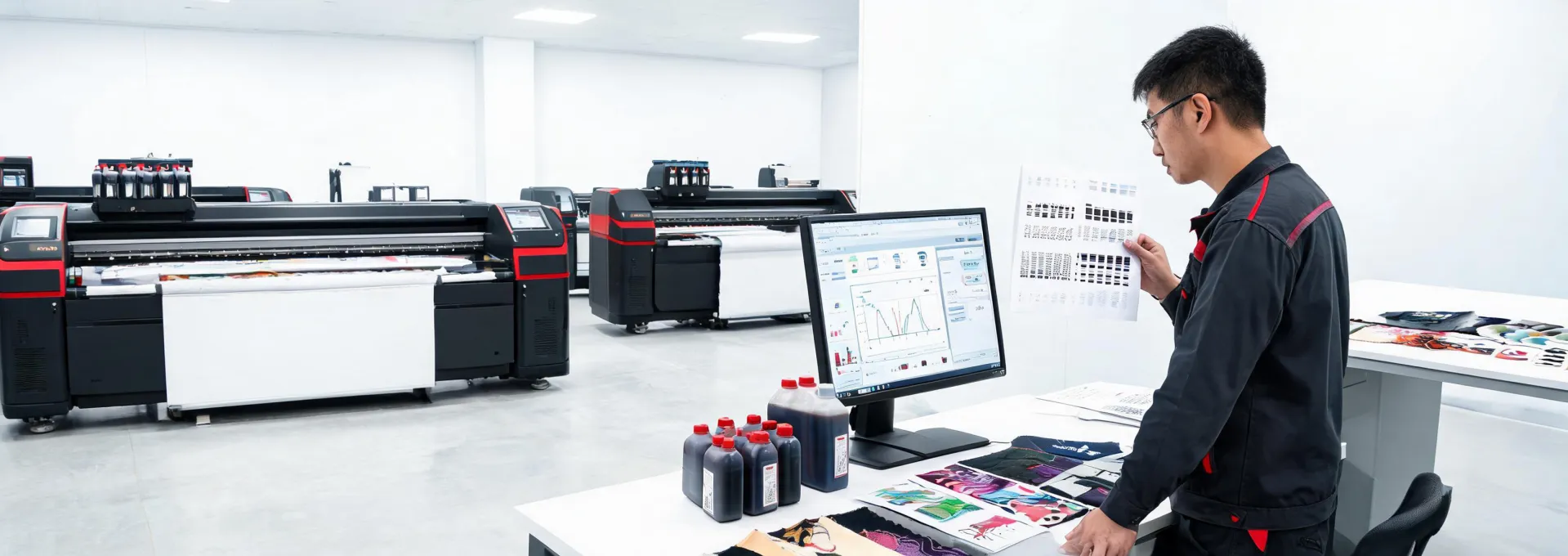
Use this page to frame training, maintenance, diagnostics, consumable questions, and escalation paths before printer output becomes urgent.
The route is written for print managers who need a simple view of what should happen after a question is raised.
Printer family, ink set, media, error state, nozzle check, and the last production change are recorded before advice is offered.
Daily cleaning, media loading, fixture setup, and profile selection are reviewed so a service issue is not confused with a process miss.
Remote guidance, dealer contact, parts question, or training request is assigned based on urgency and printer context.
The team verifies a sample, documents the fix, and updates the maintenance routine before live work resumes.
Share status notes, maintenance history, print samples, and error details so the first response can focus on the correct system area.
Daily and weekly routines protect white ink, UV ink, sublimation transfer quality, and inkjet consistency across shifts.
Color questions are tied to substrate, ink set, RIP settings, lighting conditions, and the proof that the customer approved.
Training notes turn machine operation, shutdown, fixture changes, and escalation into clear actions for each production role.

Useful when installation, demonstration, or regional service availability drives the next action.
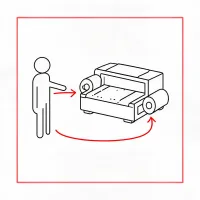
Best for new operators, shift handoff, preventive maintenance, and process documentation.

Clarifies ink, cleaning fluid, media, transfer paper, and storage questions before stock levels become urgent.
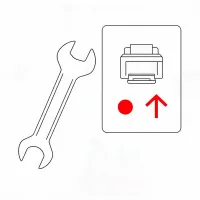
Frames what data a technician needs when print quality, machine state, or uptime risk cannot wait.
These counters are planning markers, not service guarantees. They help a buyer describe what kind of support conversation is needed.
Include printer family, ink set, media, recent maintenance, and a short description of the production impact.